Live preview
Every keystroke shows up on the real PDF straight away – no surprises when you download.
Pick a clean template, fill in your details and download a print-ready PDF. With a live preview, in five languages.
Writing and previewing are free – you only pay when you download.
Templates
Customise each one with colours, fonts and sizes – and switch between them at any time.
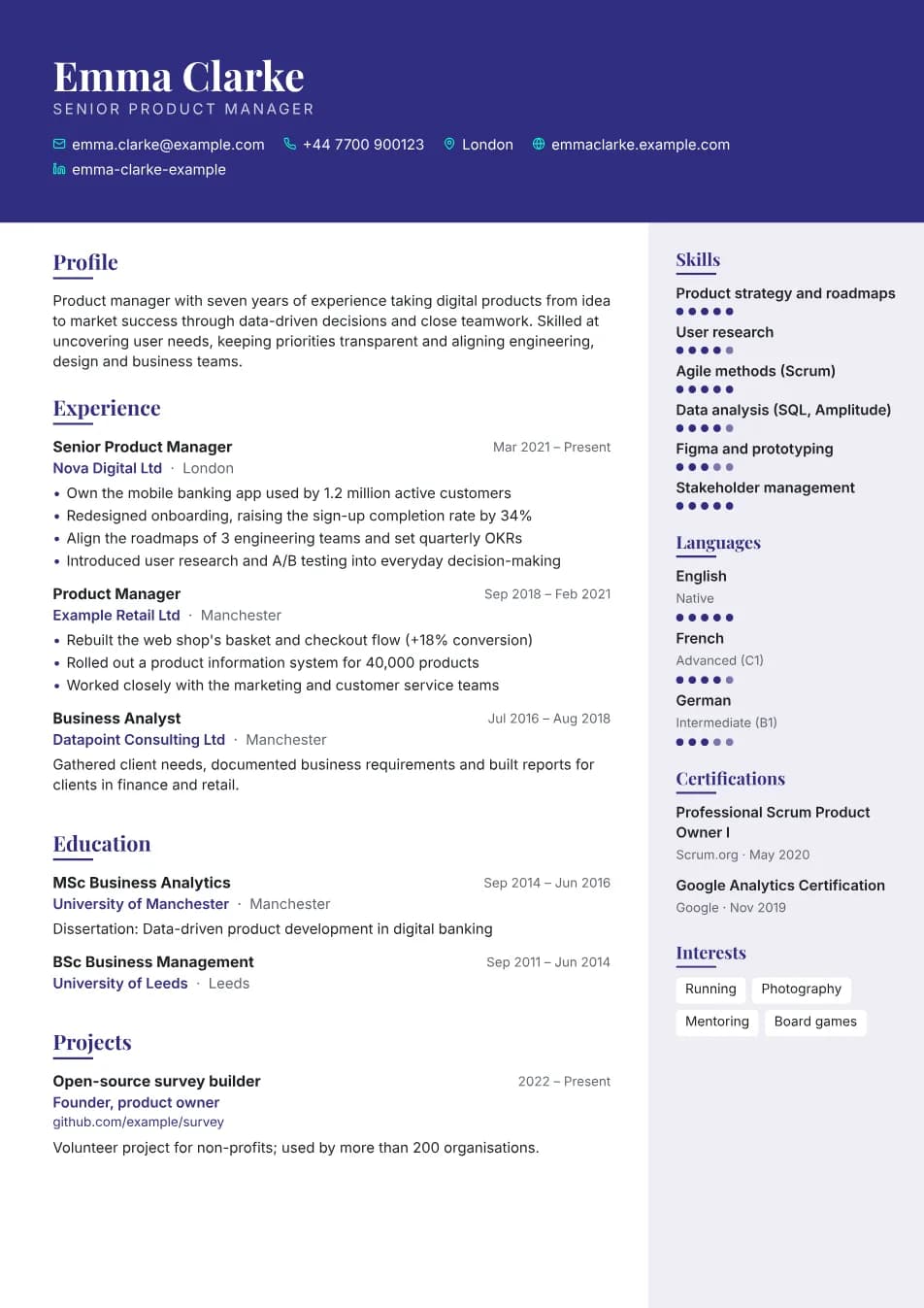
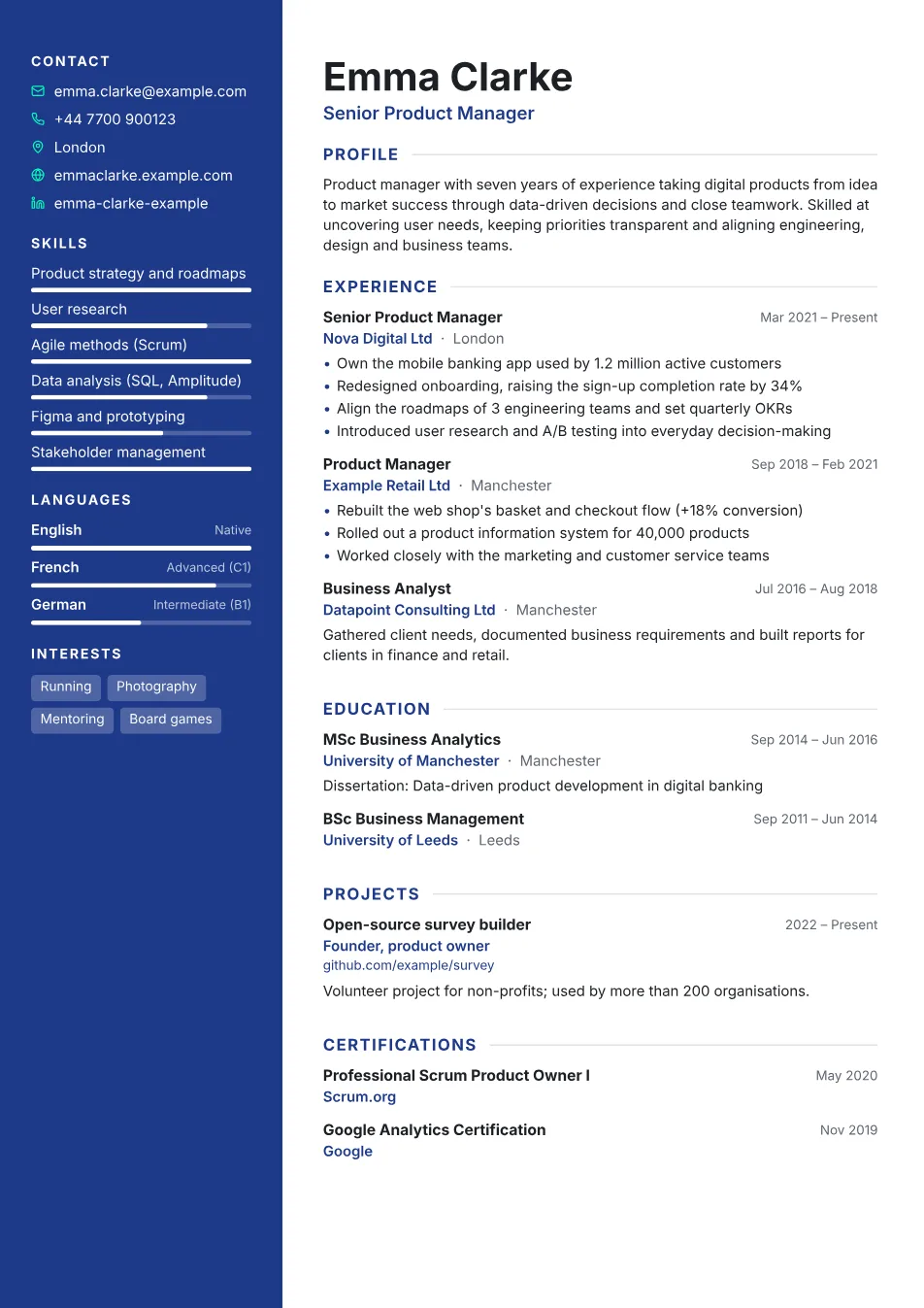
A coloured sidebar for contact details and skills, a roomy main column for your experience.
A distinctive header with serif headings and a softly tinted sidebar.
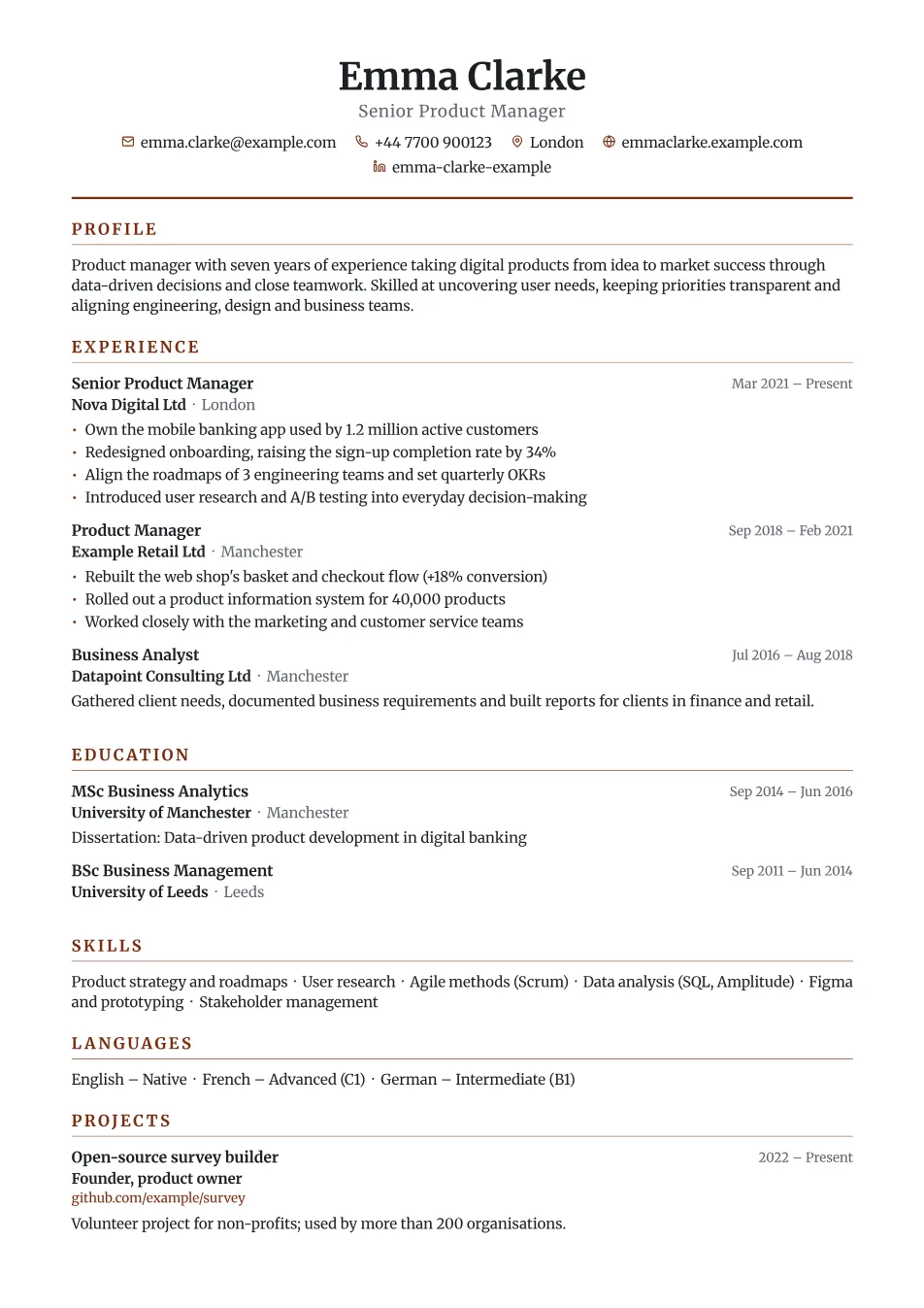
A traditional single-column layout – for banking, the public sector and law.
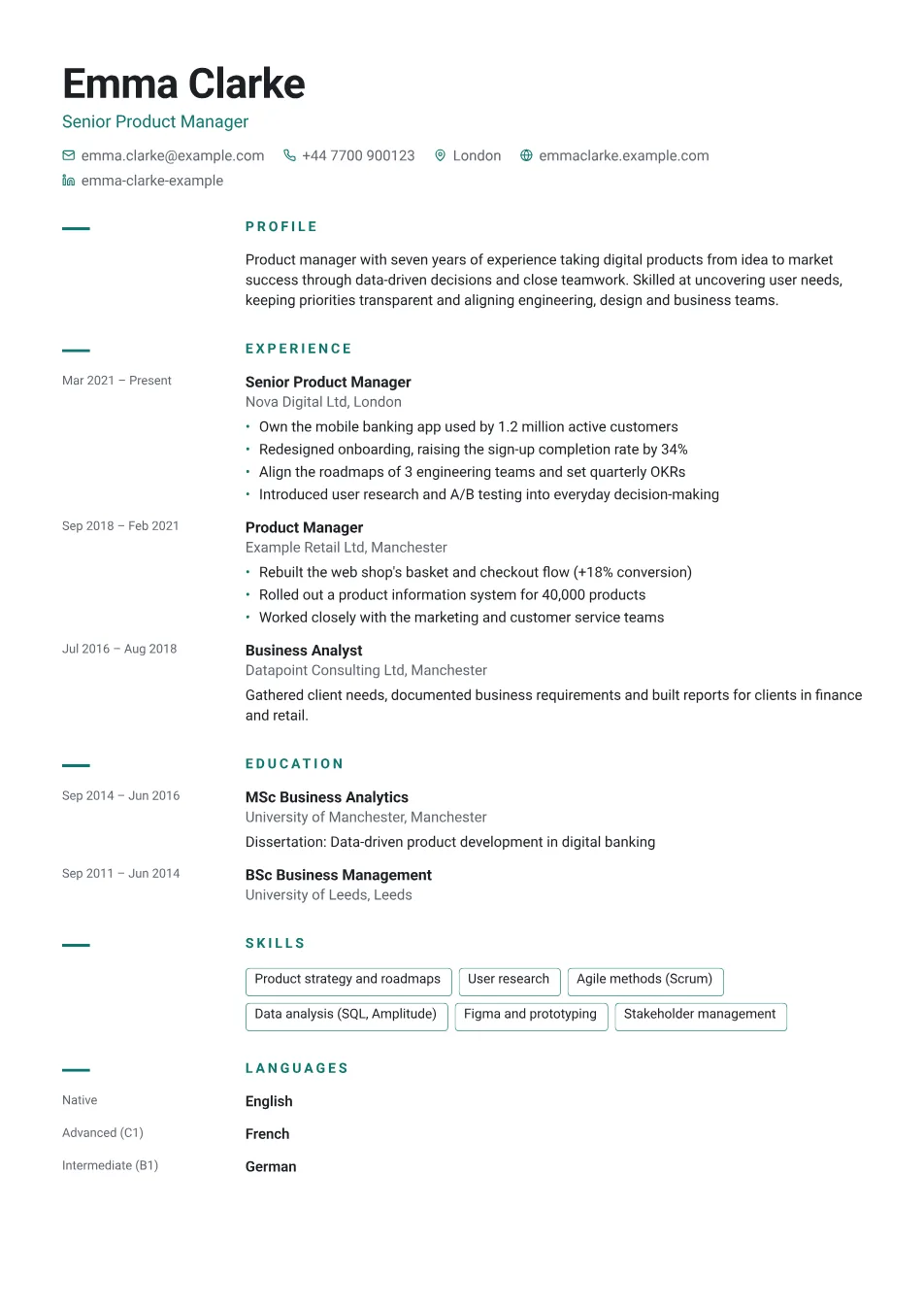
A clean timeline with plenty of white space that lets your content speak.
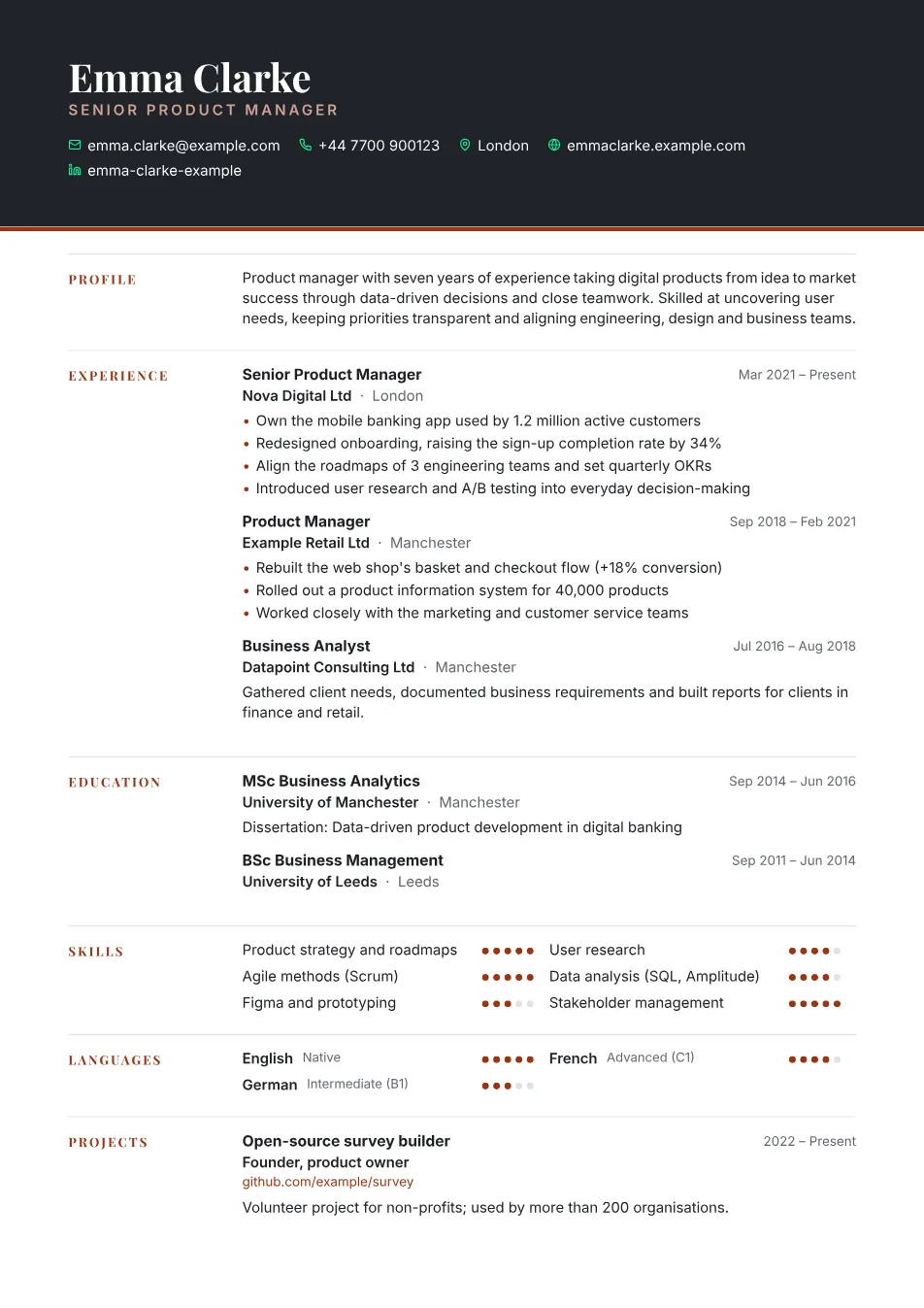
A dark header and a column of section titles – confident and calm, for senior roles.
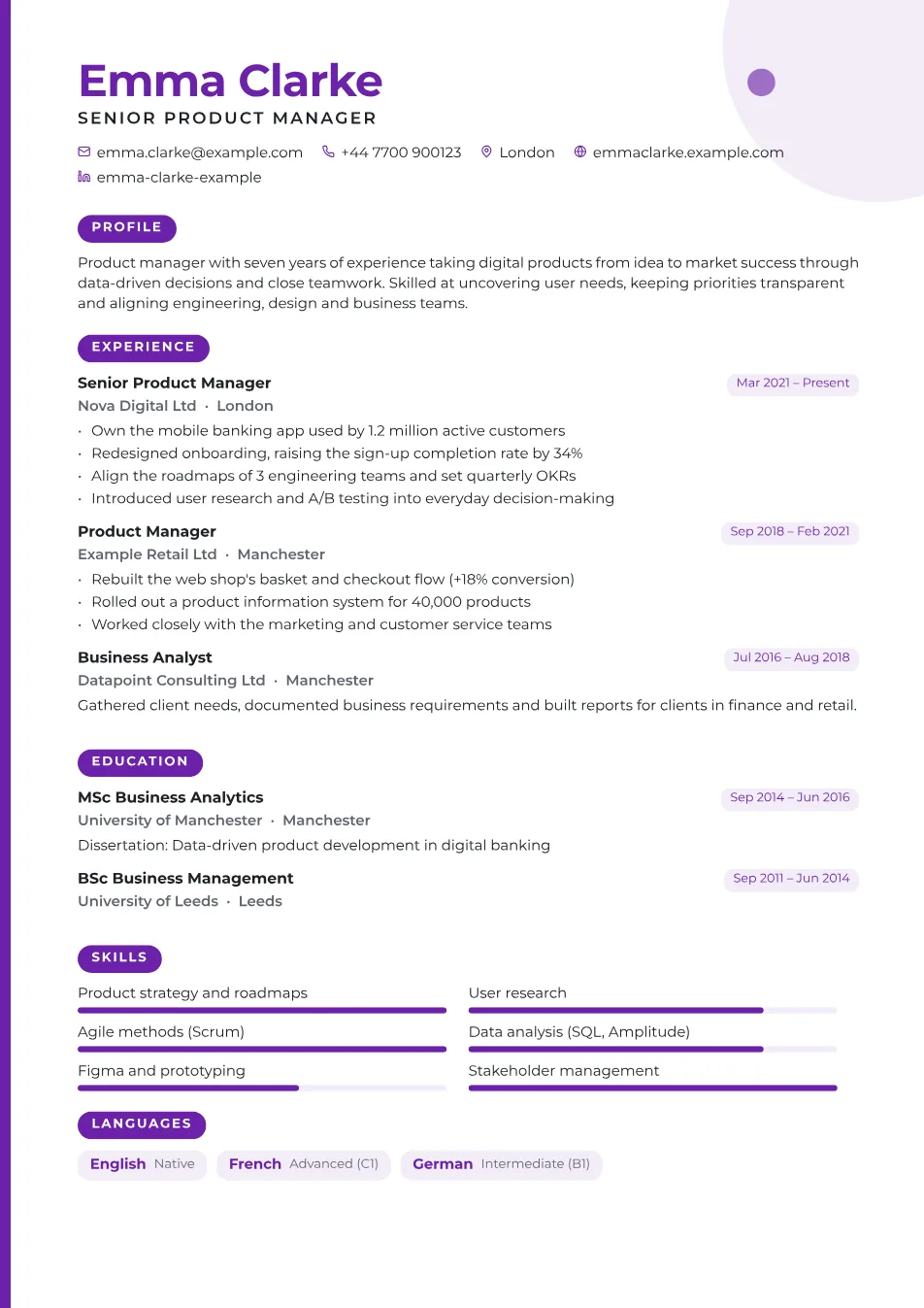
Bold colour, rounded section labels and a playful corner shape – for creative fields.
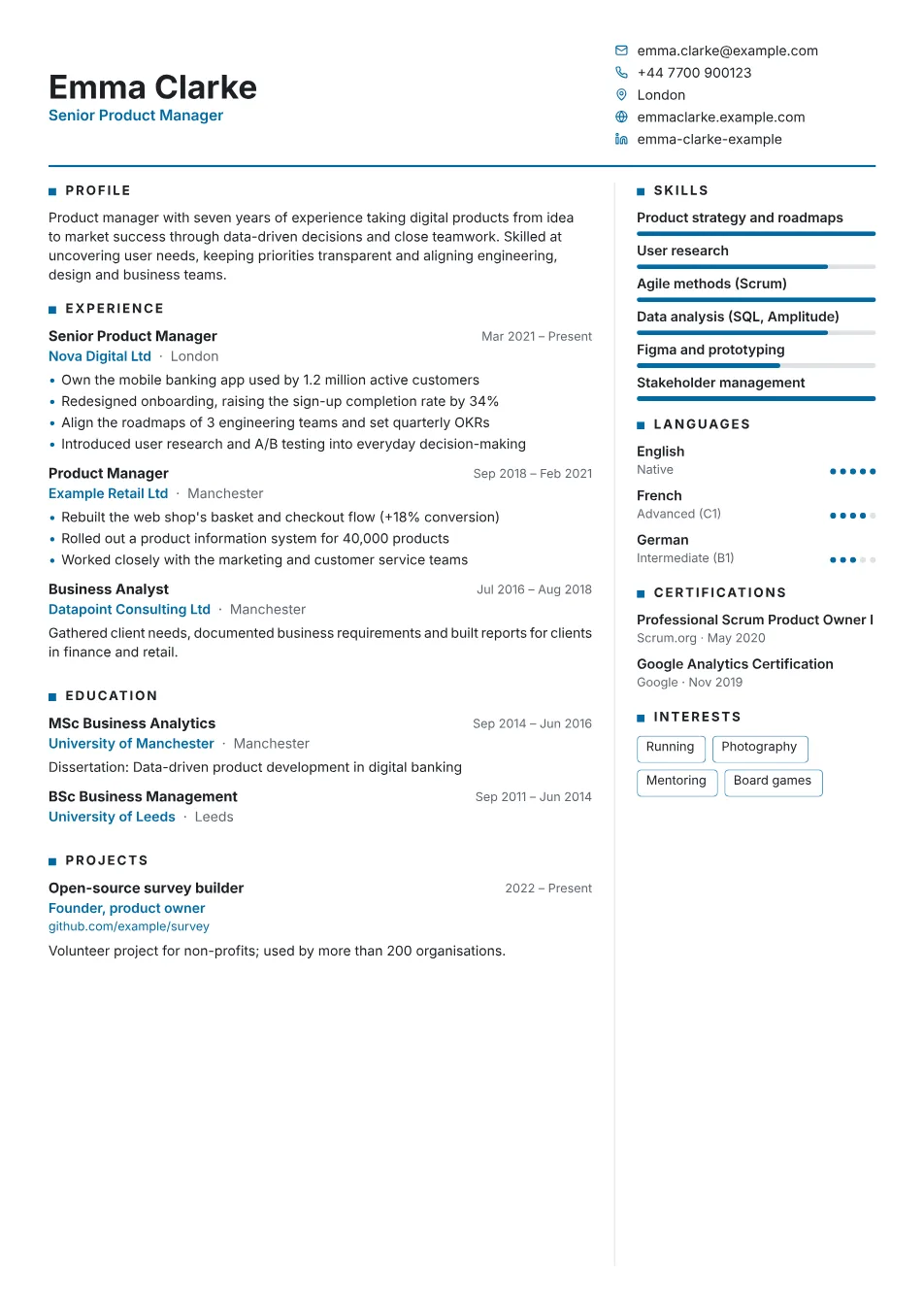
Two dense columns with small margins – a long career still fits on one page.
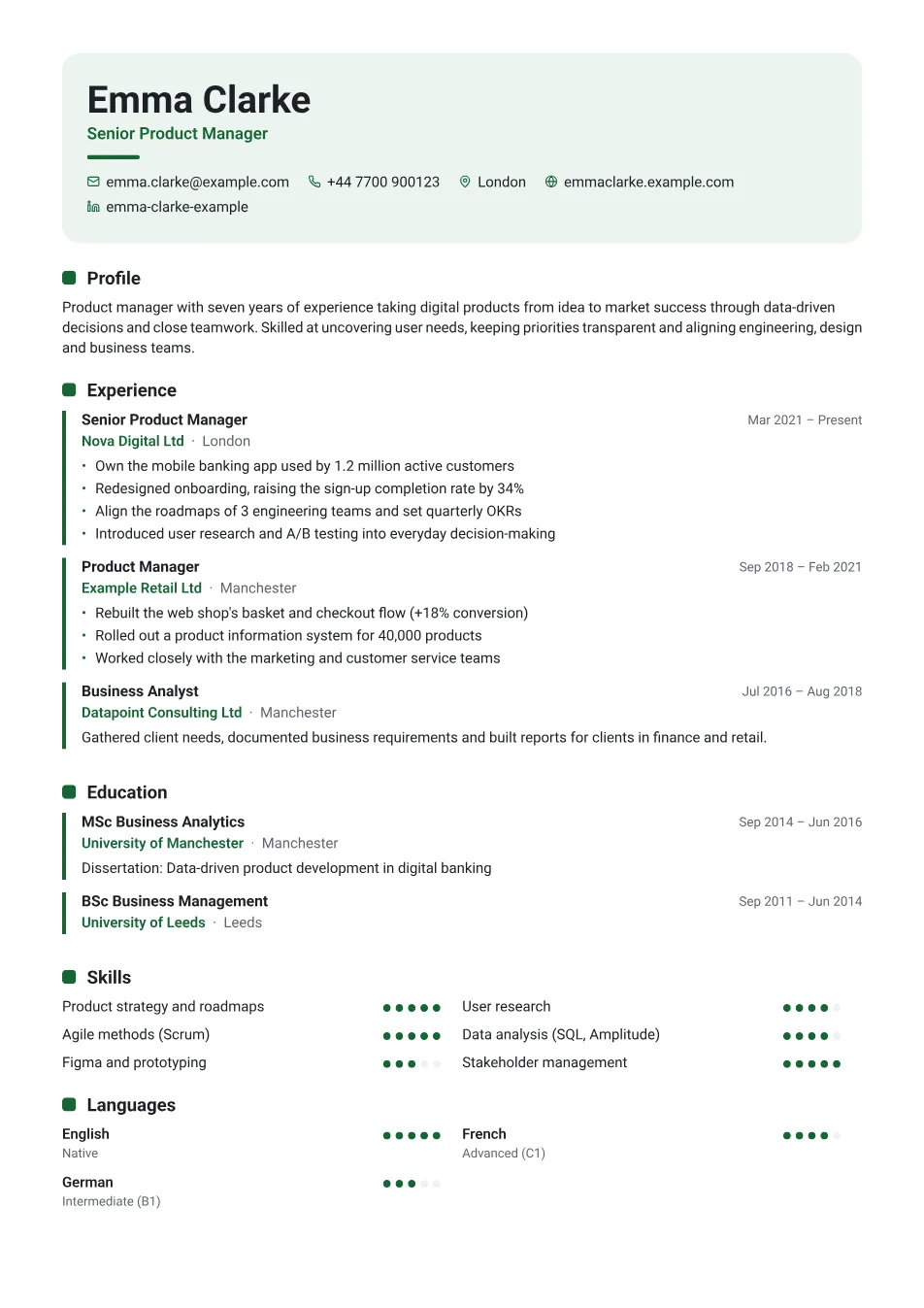
A softly tinted header and entries in light cards – friendly and modern.
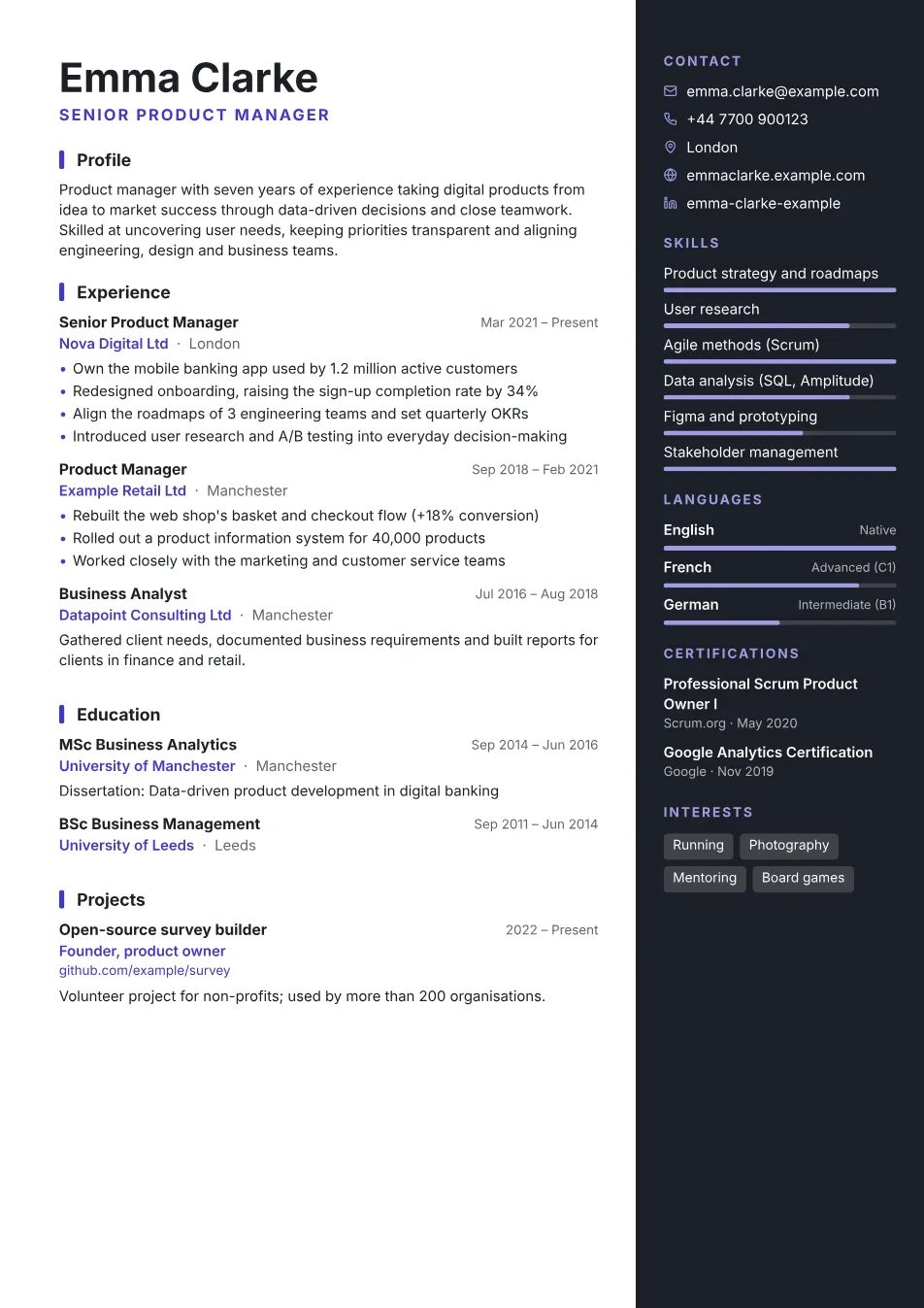
A dark sidebar on the right for contact details and skills, with bright accents.
Features
Every keystroke shows up on the real PDF straight away – no surprises when you download.
Real, selectable text with embedded fonts, so applicant tracking systems and job boards read it without trouble.
CVs in English, French, German, Spanish and Hungarian: headings, dates and name order switch with one click.
One click makes your profile and job descriptions clearer, more convincing or more concise – and you approve every suggestion.
9 templates, 10 accent colours or any custom colour, 5 font pairings and an adjustable photo.
No registration or password; every change is saved in your browser. The AI assistant only sends the field you are editing – never your name or contact details.
Pricing
Write, design and preview your CV for free. When you are happy with it, unlock the download.
7-day full access
€4.99
After 7 days, the subscription continues at €9.99 a month until you cancel. You can cancel anytime in one click on the “My account” page.
Nine clean, print-ready templates – switch at any time without losing your data.
Simple forms with examples and tips. The strength meter shows what is still missing.
When you are happy with it, download a polished PDF with selectable text – no watermark.
Writing, designing and previewing your CV is free. To download it as a PDF, you get 7 days of full access for €4.99; after that, the subscription continues at €9.99 a month until you cancel. No watermark – the downloaded PDF is entirely yours.
On the “My account” page: sign in with the code we email you, then cancel in one click. You keep access until the end of the period you have paid for, and nothing more is charged.
Your CV is stored in your own browser – it never reaches our servers. If you clear your browsing data, it is deleted too, so it is worth making a backup with “File → Save to file”. For subscribers, we only keep the email address and subscription details needed for billing, with Stripe.
For your profile and job descriptions, the “AI assistant” button gives you an improved, more convincing, shorter or bullet-point version, or a suggestion when the field is empty. Only that field’s text and your professional background (position, company, skills) are sent to Google Gemini for processing – never your name, contact details or photo. We store none of it, and a suggestion only goes into your CV once you accept it.
English, French, German, Spanish and Hungarian. Headings, dates and name order follow the language you choose in the “Template and design” panel, and the AI assistant can write or translate your text into that language.
It depends on the country: photos are common in much of continental Europe but usually left out in the UK, Ireland and the US. If you add one, choose a professional portrait with a light background.
One page for graduates, at most two for experienced professionals. The preview shows the page count, and the “Compact” size helps you fit on one page.
Yes. The PDF contains real, selectable text with embedded fonts. Single-column templates (Classic, Minimal) are the safest choice.
In the editor, choose “File → Save to file”, then use “Load from file” on the other computer.